cnshopper Stable Shoes for Long Commutes
cnshopper Stable Shoes for Long Commutes
cnshopper Stable Shoes for Long Commutes
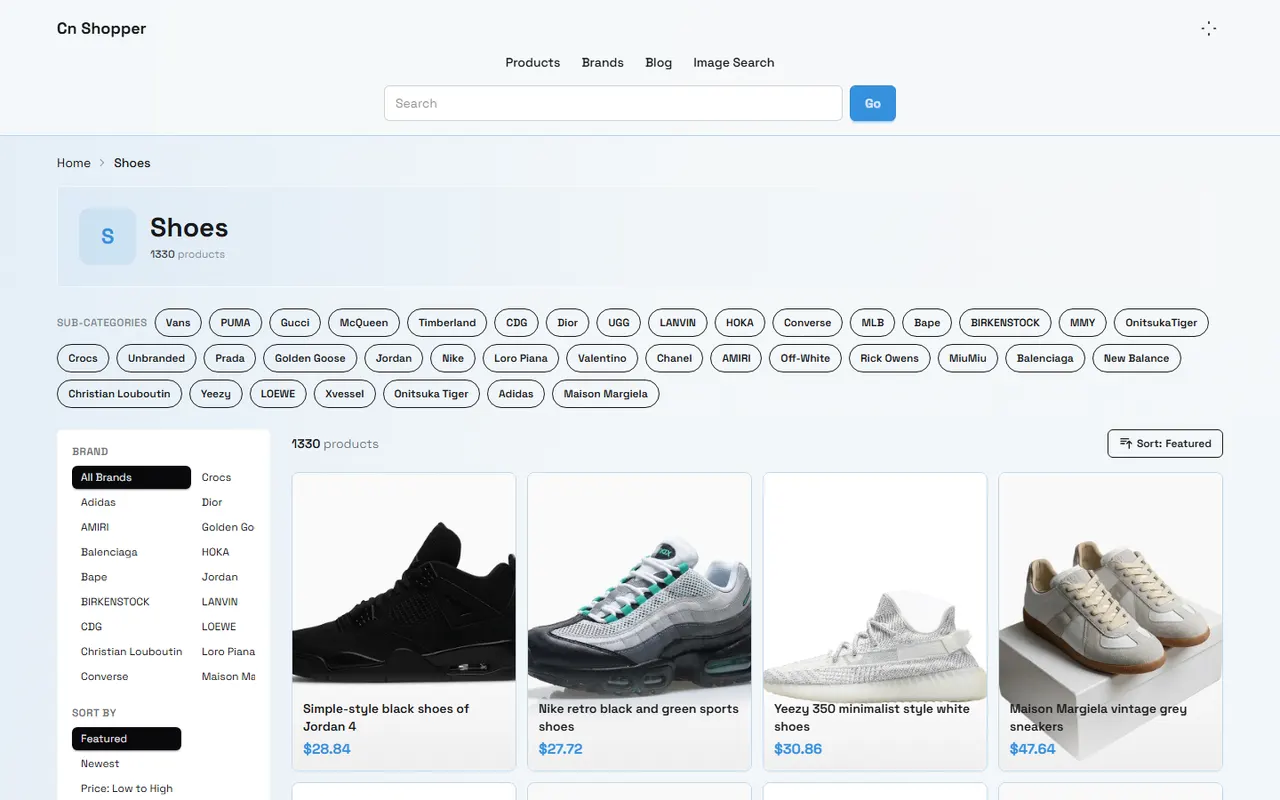
Stability in commuter shoes for long periods of standing and walking isn't just about looks or cushioning. What really matters is whether the sole platform, support line, heel lockdown, collar fit, and forefoot room work together.
This guide addresses a specific problem: how to use the product page information on cn-shopper.com to shortlist shoes better suited for prolonged standing, walking, and stairs, and then confirm sizing and structure before ordering. This reduces the risk of buying shoes that seem comfortable but feel unstable in practice.
After reading, you'll be able to do three things: clarify your commuting scenario, spot stability clues on product pages, and set up a review checklist for before and after purchase. This article is not a substitute for professional podiatric, orthopedic, or sports medicine advice. If you have persistent pain, visible swelling, old injuries, or gait issues, consult a professional first.
Understanding Stability Needs for Long Commutes
"Stable" doesn't mean the sole should be as hard as possible, nor that heavier shoes are automatically safer. Long commutes often involve standing still, short walks, long walks, turns, stairs, and varying surfaces. Each activity places different demands on your shoes.
Start by noting your primary tasks:
Do you stand for more than an hour at a time?
Do you walk a lot daily, with transfers between subway stations, malls, or office buildings?
Do you frequently climb stairs, walk slopes, or encounter wet surfaces?
Do you carry a laptop, samples, or other heavy items?
Do you care more about heel lockdown, forefoot flexibility, or sole cushioning?
If your main activity is prolonged standing, first look at whether the sole is flat and stable, if the footprint is wide enough, and if the heel tends to move up and down inside the shoe. If you walk more or use stairs, also consider the forefoot flex point, outsole grip descriptions, and upper wrap.
🧭 Define your main scenario before looking at products. Otherwise, you might mistake "soft" for "stable" or assume a thick sole means "ample support."
Distinguish Between Standing, Walking, and Stair Scenarios
Different scenarios require different filtering priorities.
For standing-dominant use, the sole platform should allow your foot to land smoothly. A too-narrow sole or an outsole that tapers significantly in the midfoot can reduce lateral stability. If the sole is very tall, check whether the edges might cause side-to-side wobble.
For walking-dominant use, the sole needs to balance stability and a rolling feel. A sole that's too stiff can hinder natural forefoot push-off; too soft can blur ground feedback. Product pages that just say "soft and bouncy" or "lightweight" don't prove suitability for long walks.
For stairs, heel lockdown and collar fit are crucial. If your heel slips inside the shoe repeatedly, you might unconsciously curl your toes or alter your stride. In that case, even a wide-looking sole isn't a guarantee of stability.
On cn-shopper.com product pages, work through a simple sequence: first look at sole structure and size info, then check closure type and collar design, and finally verify size charts, return policy, and the options shown in the actual purchase flow. Mark any missing information as "to confirm" rather than filling gaps with assumptions or marketing language.
Check the Sole Platform and Support Clues
The sole platform is your first stability clue. It can't tell you how the shoe feels on your foot, but it helps you rule out structures obviously unsuitable for prolonged standing.
Focus on these points:
Are the forefoot and heel areas wide enough to support the foot?
Does the sole taper sharply from heel to forefoot?
Is the sole too tall, with edges that look prone to rolling?
Is there a significant cutout, split, or narrow connection in the midfoot?
Do the tread patterns cover the main landing areas?
Does the product page clearly state outsole material, thickness, weight, or slip resistance?
Product images can show the outsole outline and side profile, but angles, perspective, and foot positioning affect interpretation. Don't treat a single angled photo as solid evidence. If you can't see the outsole bottom, heel width, or key structures, keep your uncertainty.
Record "support clues" rather than "stability conclusions":
Visible: heel and forefoot have relatively wide bases.
Visible: sole height and outsole profile are clear.
Unconfirmed: actual flex resistance, wet grip, and fatigue after long standing.
This kind of note is more reliable than saying "definitely stable," and better reflects the limits of product page information. 👟
Evaluate Heel Lockdown and Collar Fit
Heel lockdown is about minimizing forward-backward and up-down movement of your heel inside the shoe. Product pages can offer clues like closure type, collar shape, and heel structure, but can't guarantee the same fit for everyone.
Check for:
Laces, hook-and-loop straps, buckles, or other adjustable closures.
Whether the collar wraps around the heel rather than relying solely on elastic materials.
Whether the heel cup has a relatively defined shape.
Whether the tongue, eyelets, or opening position allow for adjustment.
Whether product images clearly show heel height and collar shape.
Slip-ons or open-back shoes without heel straps aren't automatically bad for commuting, but sizing and foot shape matter more. People with low insteps or narrow heels should be especially careful: a shoe that's the right length may still have poor heel lockdown.
After delivery, do a safe indoor check: wear your usual socks, stand first, then walk slowly, turn, and go up and down a few stairs. Note if your heel lifts significantly off the footbed, if the collar digs in, or if you constantly curl your toes to "grip" the shoe. Don't cut tags, submerge in water, or wear in ways that could affect returns until you've confirmed the return policy.
Verify Upper Wrap and Forefoot Room
Stability also depends on how the upper wraps your foot. Too loose, and your foot slides; too tight, and it restricts toe splay or causes pressure points.
For the forefoot, confirm:
There's reasonable space beyond your longest toe.
The toe box shape allows natural toe spread.
The upper doesn't create an obvious pressure point at the highest part of your instep.
The sole flex point roughly matches your forefoot bending area.
If your feet differ in length or width, whether you should choose the size based on the larger foot.
Use the size chart on the product page along with your foot length, width, and measurement units. Don't order based solely on your usual size, and don't treat vague descriptions like "true to size" as precise measurements.
If the page lacks foot width, last, or insole length information, mark width fit as unknown. For long commutes, unconfirmed toe room and heel fit are often more important than missing marketing labels.
Distinguish Page Specs from Unconfirmable Feel
Product pages support some judgments but can't replace actual try-on. To avoid turning speculation into fact, separate information into three layers.
First layer: clearly stated page information, such as upper and sole materials, closure type, available sizes, size chart, visible sole profile in images, and the product options actually shown in the cn-shopper.com checkout flow.
Second layer: cautious inferences based on visible structure, like a wide base may provide more lateral stability, or adjustable laces may help improve fit. Inferences must use qualifiers like "may" or "likely."
Third layer: things you can't confirm from the page alone, such as actual slip resistance, fatigue after long standing, sole rebound, wet performance, comfort for different foot shapes, and durability. These cannot be presented as completed try-ons or tests.
When publishing or recording product info, note the verification date, destination, and currency. Prices, stock, sizes, shipping, taxes, seller info, return policy, and page status can change. Leave fields blank or write "recheck before ordering" if not verified on the current product page or purchase flow.
Create a Pre-Purchase Checklist for Commuter Shoes
When browsing cn-shopper.com product pages, follow this order:
Write down your main scenario: prolonged standing, walking, stairs, or a mix.
Check if images of the sole's top, side, and bottom are clear enough.
Note visible clues like forefoot and heel width, sole height, and outsole profile.
Look at heel structure, collar shape, and closure type.
Verify the size chart, foot length units, width info, and available options.
Check if the product name, materials, seller, stock, and current price are clearly shown on the page.
Review shipping, taxes, delivery area, return policy, and any purchase flow notices.
List unconfirmable feel, grip, and durability separately; don't treat them as proven selling points.
Save key page information before ordering for later comparison.
If the sole structure is clear but heel lockdown is unknown, look for more specs on the same product. If both the size chart and return policy are unclear, don't order based on looks alone.
Finalize Your Choice and Post-Delivery Review
Your final choice shouldn't hinge on just "softest" or "cheapest." A more practical approach is to weigh confirmable information against personal risk.
If a shoe has a relatively wide sole platform, a clear heel profile, adjustable closure, complete size info, and its price, stock, shipping, and return terms are all verified on the current cn-shopper.com page, it's a stronger candidate. But that's still no guarantee of personal fit.
After delivery, first check in a clean indoor area whether the product name, size, color, left/right, appearance, and sole structure match the page information. Then wear your usual socks and stand and walk briefly, noting heel slip, forefoot pressure, upper friction, and wobble on turns. If there's an obvious fit issue or the product differs from the description, follow the after-sales process shown on the page, keeping necessary order and product evidence. Don't publicly share order numbers, full shipping labels, contact info, or payment details.
This filtering method may reduce trial-and-error costs from loose heels, narrow soles, or missing size info, but it will also exclude some lightweight-looking shoes with incomplete structural details. It's best suited for those who stand for long periods, walk to work daily, and are willing to verify details before ordering.
If you only need shoes for short indoor wear, or you've already confirmed a model's sizing and return policy, you don't need to choose heavier, stiffer, or taller shoes just for "stability." If the product page lacks key specs, the return window is unclear, or your foot pain or old injuries can't be addressed by normal sizing adjustments, don't rely on image-only filtering.
📌 Verification reminder: Reconfirm prices, stock, sizes, seller, shipping, taxes, after-sales policy, and page link status on the day you order.
Browse our latest products and find your next favorite item.