cnshopper QC Feedback: Spreadsheet vs Sheets
cnshopper QC Feedback: Spreadsheet vs Sheets
cnshopper QC Feedback: Spreadsheet vs Sheets
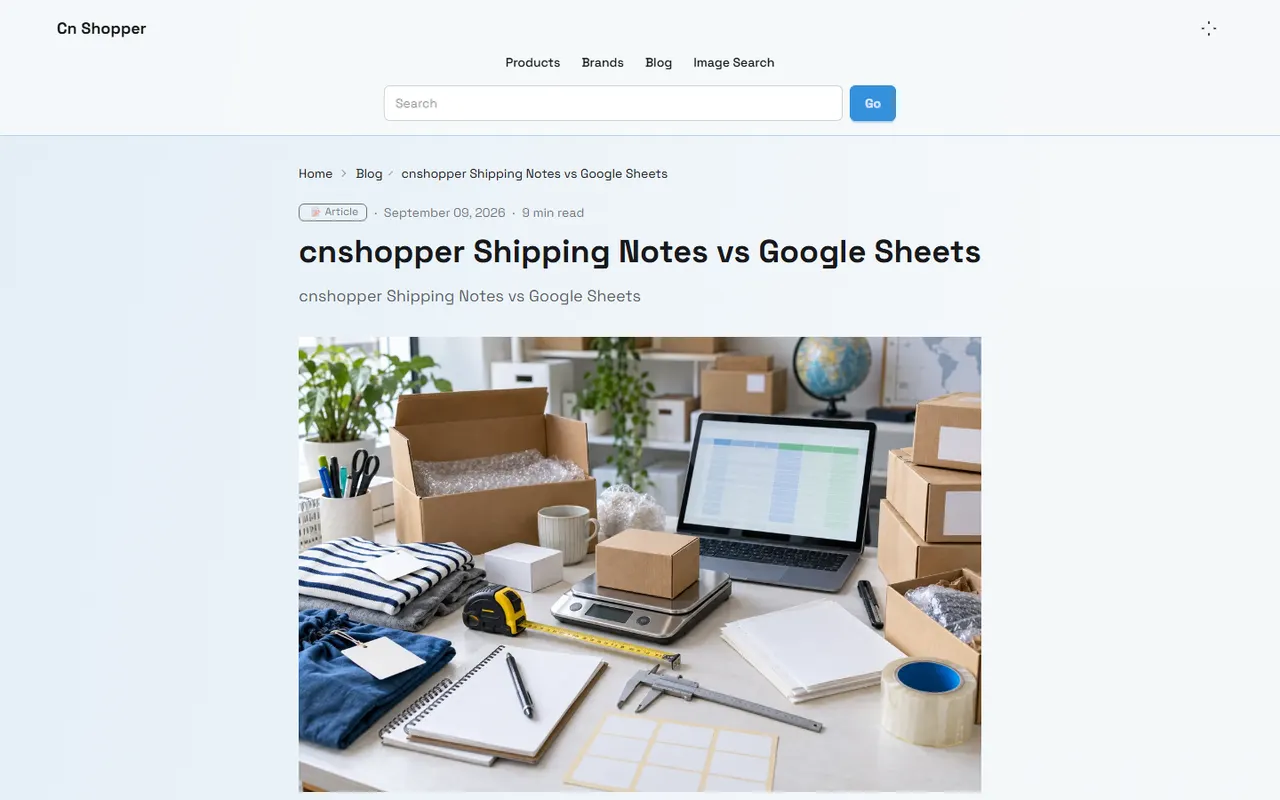
Figure: Illustration of organizing cnshopper QC photo feedback
When you handle the purchasing process through cn-shopper.com and receive warehouse QC photos or community feedback, the real issue isn't "which comment has more likes," but whether this information helps you make the next purchase decision: keep, request additional photos, contact the seller for resolution, or apply for return/exchange.
This article only discusses methods for organizing QC photo feedback and does not replace product original images, warehouse actual photos, order information, or the platform's current after-sales process. The specific pages, order statuses, available services, and processing conditions on cn-shopper.com should be based on what you actually see after logging in, and record the verification date.
Clarify the purchase decision that QC photo organization should support
Before starting to record, first write down which decision this set of feedback is intended to support. Common goals include:
Determining whether obvious defects reach a level requiring handling.
Determining whether the photos are sufficient to confirm color, size, accessories, or structural condition.
Determining whether to request additional photos from the warehouse.
Determining whether to raise issues within the seller's return/exchange window.
Determining whether the item is suitable for continued consolidation and shipping.
An actionable record should answer four questions simultaneously:
What phenomenon was found?
Where on the item does the phenomenon appear?
Which photo or original comment is the evidence from?
Who will handle the next step, and by what deadline?
For example, "there is a problem with the shoe upper" cannot directly guide action. A better record is: "In QC photo 03, there is a color unevenness on the outer side of the right shoe upper. With the current angle, it's impossible to determine if it's reflection, a stain, or a material difference; request same-angle close-up and natural light photos before deciding." 👀
If you haven't made a clear purchase decision yet, don't organize feedback into "good" or "bad" first. That would make the record look neat but fail to reduce the actual uncertainty in judgment.
How to archive images and product information in cnshopper Spreadsheet
Spreadsheet is more suitable for creating a structurally stable product and image archive. Use a fixed row or record for each product to avoid mixing QC photos of different orders, colors, or sizes.
It is recommended to keep at least the following fields:
Product name or your own product code.
A secure identifier for the order number; do not disclose the full order number.
Color, size, and quantity.
QC photo number, e.g., QC-01, QC-02.
The part of the item the photo corresponds to, e.g., toe, cuff, zipper, print, or packaging.
Objective phenomenon observed in the photo.
Current judgment: confirmed, suspected, unable to determine.
Original image location or file name.
Recording time and verification date.
To-do items and responsible person.
The image file name should independently explain the object. For example: order_short_id_color_size_QC03_right_upper.jpg. Do not use names like "screenshot1" or "new image," and do not hide defects by cropping or retouching. If the screenshot contains address, phone number, payment information, or complete shipping label, necessary masking should be done before sharing with others.
Each photo should ideally serve one main evidential task. Full-view photos are for confirming the item and overall condition, close-up photos for confirming details, and photos with ruler or scale reference for assisting in size judgment. If the photo cannot clearly show the key part, "unable to determine" should be recorded as a formal conclusion, not filled in with guesswork.
Descriptions of color, material, and workmanship should also maintain boundaries. Photos can support observations like "surface shows light-dark difference" or "stitching appears discontinuous," but cannot assert true material, feel, durability, or wearing effect based solely on screen images.
How to record community feedback and evidence links in Google Sheets
Google Sheets is more suitable for multi-person collaboration, continuous supplementation of feedback, and centralized evidence management. It can separately record warehouse photos, product pages, platform instructions, and community discussions, then associate them via product code or QC number.
It is recommended to create three worksheets:
Product and QC Index
Record product code, secure order identifier, photo number, photo part, current status, and last update time. Keep this simple, with only fields that support filtering and task assignment.
Feedback and Judgment
Each community feedback should be a separate row, preserving:
Discussion source and original URL.
Posting date or visible time.
The specific part the other person pointed out.
The judgment words used by the other person, e.g., "looks like a stain," "might be reflection," "suspected open stitching."
Your judgment category: consensus, disagreement, or pending evidence.
Whether you fully read the related discussion.
Whether the feedback corresponds directly to the current photo.
If there are many comments, folded replies, deleted content, or inability to fully read, mark as "partially read." Do not treat partial comments as the conclusion of the entire discussion, and do not judge reliability based solely on a single total vote count.
Evidence List
Connect each judgment to specific evidence, rather than just pasting a discussion homepage. Evidence can include QC original photo numbers, additional photo requests, product detail page visible information, platform public instructions, or seller replies. Link status may change, so record the access date and mark as "to be re-verified" when the link becomes invalid. 🔗
Before sharing the spreadsheet publicly, check whether full order numbers, names, addresses, phone numbers, payment information, shipping labels, or login status are exposed. Evidence used for collaboration should be sufficient to support judgment but should not expand the scope of personal information exposure.
Establish feedback classification by defect location
Classifying by location is easier to execute than by sentiment. You can first establish a limited set of categories and then add items based on actual products:
Surface appearance: stains, color difference, scratches, dents, reflection interference.
Stitching structure: open stitching, loose threads, uneven stitches, seam offset.
Functional parts: zippers, buckles, eyelets, movable joints, or buttons.
Size and shape: length, width, left-right asymmetry, pattern inconsistent with page information.
Accessories and packaging: missing accessories, damaged packaging, inconsistent labels.
Logos and prints: position offset, missing pattern, text unclear.
After classification, add an "evidence status" field:
Confirmed: original photo clear, phenomenon and location correspond.
Majority consensus: different people reach similar judgments based on the same visible phenomenon, but still need to distinguish observation from speculation.
Disagreement: different interpretations of the same phenomenon.
Pending evidence: current photos cannot support a decision.
Mismatch with current product: feedback may come from other colors, sizes, batches, or products.
"Severity" should not be determined solely by the commenter's adjectives. It should be combined with whether the defect affects function, safety or use, whether it relates to key conditions in the product description, and whether there is still processing time available. ⚠️
Compare different judgments on the same photo
When different opinions appear on the same QC photo, don't vote immediately. First break each judgment into "observation" and "interpretation."
For example:
Observation: There is a lighter area on the right shoe upper.
Interpretation A: It might be reflection.
Interpretation B: It might be a stain or material color difference.
Current limitation: Insufficient lighting, angle, and resolution in the photo to rule out any interpretation.
Next step: Request additional photos of the same part from different angles and under more even lighting.
When comparing, focus on checking:
Are people really discussing the same part?
Are they using the same photo or different versions?
Is there confusion between product original images and QC actual photos?
Is anyone making assumptions based on experience without pointing out visible evidence?
Are there differences in color, size, batch, or left/right item?
Has anyone fully read the context and replies?
When different opinions lack decisive evidence, the safest conclusion is not "the majority says no problem," but "current evidence is insufficient." Recording this way avoids miswriting uncertainty as a confirmed result.
Which feedback cannot replace original photos or additional shots
Community feedback can help you notice points of concern, but cannot replace original QC photos. Especially in the following situations, you must return to the original photos or request additional shots:
The discussant did not see the complete photo.
The photo has been compressed, cropped, or forwarded second-hand.
Key parts are covered by reflection, shadow, packaging, or obstructions.
Size needs to be determined, but the photo lacks scale reference.
Function needs to be confirmed, but only static appearance photos are available.
Color needs to be determined, but the shooting lighting clearly altered the colors.
Feedback comes from a different product or different order.
Comments only use unverifiable conclusions like "looks good" or "should be fine."
Additional photo requests should be specific to the part, angle, and purpose. For example, instead of just writing "please retake clearly," you could write: "Please take close-up photos of both inner and outer sides of the left cuff under natural light, plus one photo including the entire garment, to confirm whether the loose thread goes through the seam."
If the issue involves platform returns/exchanges, seller promises, taxes, logistics, or customs clearance, do not use community feedback to replace the current visible process descriptions and order conditions on cn-shopper.com. Platform policies, logistics routes, and fees may change, so re-verify before taking action.
Use a balanced comparison table to choose recording method
Both tools can complete basic organization; the main difference lies in collaboration methods and evidence management, not which one is inherently more accurate.
Recording method | More suitable tasks | Main advantages | Issues to guard against |
|---|---|---|---|
Product archive, QC photo index, fixed field records | Clear structure, easy to check against product and photo numbers | Version divergence when multiple people edit simultaneously; image file names and records must be synchronized | |
Google Sheets | Community feedback, evidence links, multi-person collaboration and to-do tracking | Easy to add sources, filter status, and assign tasks | Permission or shared link may expose personal information; link status needs regular review |
If the main task is to keep stable records for each product, you can first use Spreadsheet to build product and photo index; if multiple people need continuous discussion, then put feedback and evidence into a permission-controlled Google Sheets. Do not maintain two unrelated versions of the same field in two places.
Whichever method you use, designate a "final judgment" field and keep the basis for judgment. The final judgment can be "continue processing," "request additional photos," "contact seller," "postpone consolidation," or "pending verification," and does not have to be written as a product quality grade.
Form a list of pending evidence and next steps
After organizing, convert records into a priority-ordered action list:
High priority: may affect function, safety, critical dimensions, or involve an expiring processing window.
Medium priority: photos have obvious information gaps, but cannot yet confirm whether it constitutes a problem.
Low priority: does not affect current decision, only appearance preference or feedback needing more background information.
Each to-do item should clearly state four fields: evidence gap, required action, completion deadline, and decision after completion. For example:
Evidence gap: Unable to confirm whether the zipper closes completely.
Required action: Request continuous photos or a short video of the zipper in open and closed states, subject to available processes.
Completion deadline: Verify within the order's processable window.
Decision after completion: Proceed normally, contact seller for handling, or postpone subsequent shipping.
If you are considering consolidated shipping, separate the QC judgment from the package decision. Consolidation may reduce duplicate first weight or operational costs, but may also increase volumetric weight, package value, and single loss risk; splitting may increase fixed costs but may adapt to route restrictions or reduce per-package risk. The final decision should be based on actual weight, volume, destination country rules, available routes, and acceptable loss, not solely on a comment in the community saying "consolidation is more cost-effective." 📦
The savings from using this organizing method mainly come from reducing repeated communication, avoiding erroneous shipping due to insufficient evidence, and faster discovery of issues needing handling; it does not guarantee lower shipping costs, nor does it guarantee that the seller or platform will accept an application. The increased risks are: improper sharing settings expose order information, community judgments may be misinterpreted, and over-reliance on compressed images may miss actual defects.
It is suitable for buyers who need to manage multiple products, collaborate with multiple people, or repeatedly verify QC evidence. It is not recommended to directly decide on consolidation or shipping based solely on the organized spreadsheet when feedback sources are incomplete, key photos are missing, personal information cannot be safely masked, or you cannot verify original photos within the required time.
Final check: Does each conclusion correspond to specific evidence, is each disagreement clearly recorded, does each to-do have a next action, and are all volatile information marked with verification date? Only by doing this can Spreadsheet and Google Sheets be auxiliary tools for purchasing decisions, not lists that package speculation as conclusions.
Browse our latest products and find your next favorite item.